To create an analysis table from a data set using SQL Data Analysis, here are the basic steps to follow:
Connect to your database
Click on the Run SQL query item from the SQL Data Analysis main screen.

Click on the Connect to a database item in the Database Connections panel.
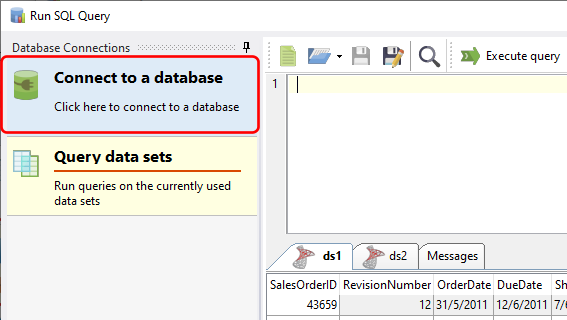
Enter the connection details in the Connect to Database window and click Connect.

Run your SQL query
Enter the query you want to run in the SQL editor window for your connection.

Click on the Execute query button to run your query.

Once the data set has been retrieved, click on the Add data sets button to create an analysis table using that data set.

See also:
- using analysis tables
- supported database engines in SQL Data Analysis
- running queries on the used/internal data sets
